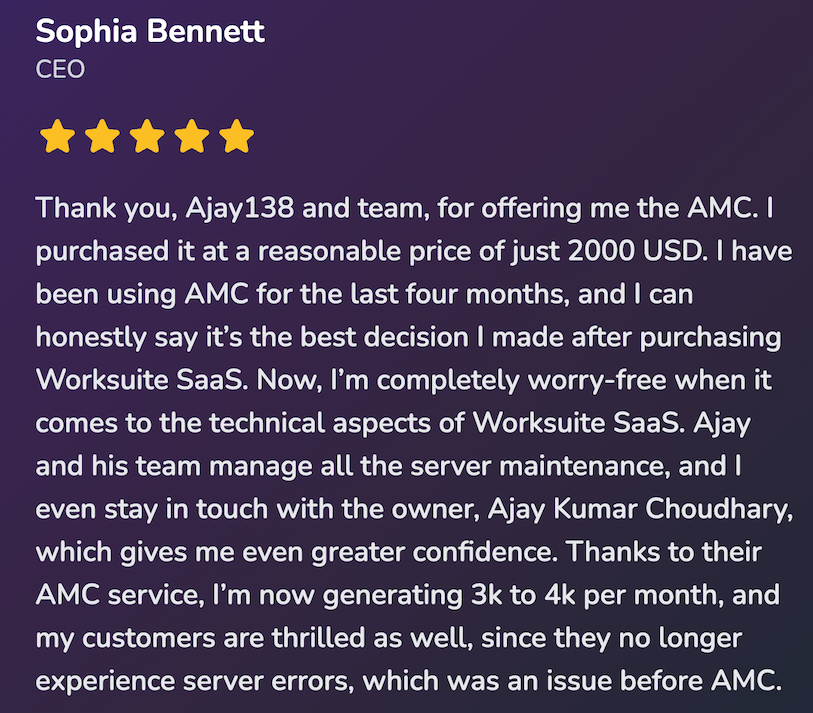
Annual Maintenance Contract

Worksuite SaaS AMC

Get priority support, faster ticket resolution, server maintenance, and peace of mind. Our AMC plan keeps your Worksuite secure and up to date with direct access to our team.

Worksuite

What is an Annual Maintenance Contract?

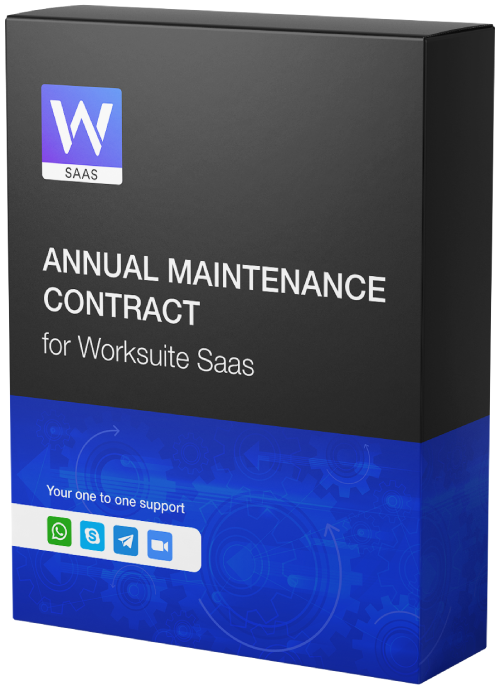
An AMC gives you ongoing maintenance and support: server administration, business-hours and weekend support, access to the latest features, and direct contact with our team. One plan keeps your Worksuite secure and up to date.

Compare plans

Feature comparison

Basic support vs AMC support

Feature Basic Support AMC Support
Free Installation cross right
General Query Support
Until Support is Active
Until AMC is Active
One Click Update
Until Support is Active
Until AMC is Active
Cross-Platform Support cross right
Demo Of Settings cross right
Application Setup cross right
Backup Management cross right
Security Checkups cross right
Communicate With Professionals Directly cross right
Weekend Support cross right
Quick Troubleshooting cross right
Early Updates cross right
Uptime monitoring & assurance cross right
Pricing

AMC Plan

$4,000 $2,000 /year

All support benefits included — no hidden costs

Stay current with updates and new features as we release them.

Streamlined Server Administration

We handle server setup, security, SSL, backups, and uptime so you don’t need to hire a full-time DevOps or server admin.

Weekend Support

Get help on weekends when you need it. Our team is available so you’re not left waiting until Monday.

Access to the Latest Features

One-click updates and all new features included. No extra support renewal fees.

Direct Access to Our Team

AMC customers get direct contact with our developers for issues and code-related work, with priority handling.

Business-Hours Support (9:30 AM – 6:30 PM)

Reach us via chat during business hours for faster responses than standard ticket-based support.

Cross-Platform Support

Get support via Skype, WhatsApp, or Zoom so we can chat and resolve issues quickly.

Join the hundreds who trust us. It’s your turn to take the next step.

Questions? Contact us at ajay@worksuite.biz

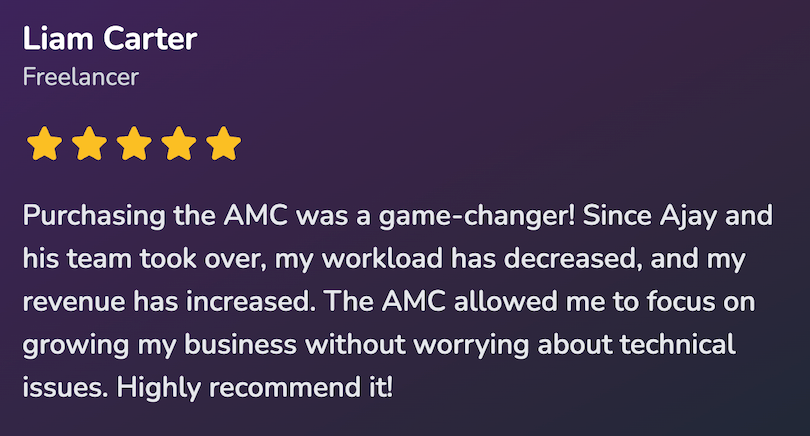
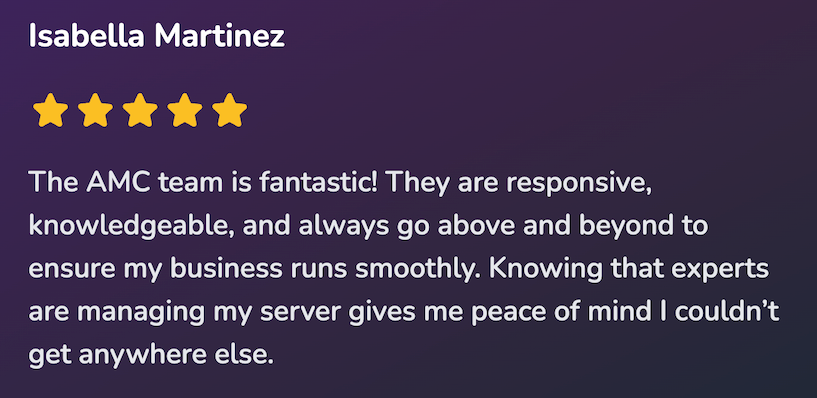
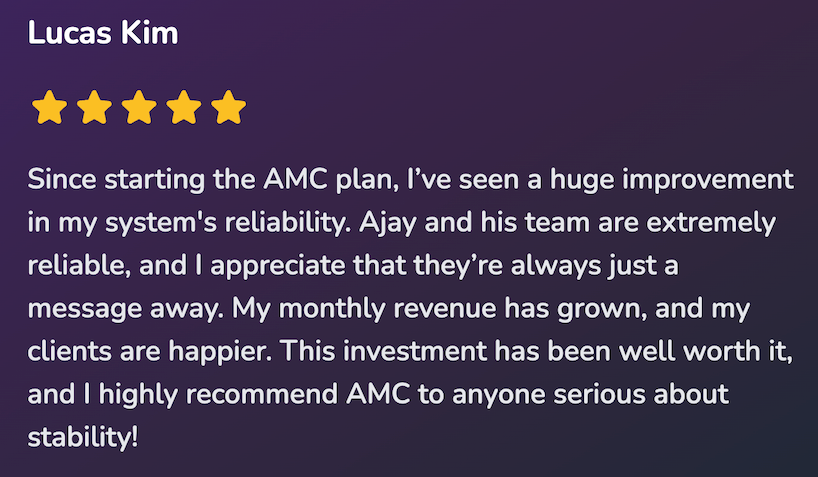
What our customers say

Reviews from Worksuite AMC users

Review
Review
Review
Review
Review
Review
Review
Review
Included in AMC

What’s included

Stay current as we roll out new features and improvements.

Quick Troubleshooting
Daily Monitoring
Security Checkups
Direct contact
Weekend Support
Backup Management
Provide Demo
Silent Bug Fixer
Early Updates
Uptime assurance

Ready to get started? Join the hundreds who trust Worksuite.

FAQ

Frequently asked questions

Quick answers about the AMC plan

An Annual Maintenance Contract (AMC) is a service agreement that ensures ongoing maintenance and support from our Worksuite Team. It covers regular updates, troubleshooting, and assistance to keep your system running smoothly.

You can check the 'Feature Evaluation and Comparison' section for the details on what you'll receive.

We always recommend going with cloud server. Our suggestion or recommendation is DigitalOcean.

No, you will not get a separate website. However, we will charge only $300 for a WordPress website, which will be installed on the main or root domain, for example, abc.com, while your Worksuite app will be on app.abc.com. From the super admin panel, we will disable the front website, making the WordPress site your main website.

No, you will not get the main app and universal bundle. You need to buy that separately.

If you do not wish to renew the AMC for the next year, please notify us in advance by either emailing ajay@worksuite.com or creating a ticket before the due date. For example, if your AMC is due for renewal on December 31, 2024, you would need to inform us before that date.

If you forget to inform us, you will only be able to stop the renewal for the following year (i.e., 2026) and not for the upcoming year (2025).

After purchase our team will ask for the following details:

  1. Worksuite SaaS purchase code
  2. Universal Bundle purchase code (if applicable)
  3. Cloud server login details. If you do not have a cloud server, we recommend using DigitalOcean. Simply create an account on DigitalOcean, and our team will install the application for you. We will manage everything using GIT.
  4. Domain login details to ensure complete control over the domain
  5. Superadmin login details
  6. SMTP login details
  7. Skype username for Skype chat or WhatsApp number for WhatsApp chat

After providing the details mentioned above, it will be our team's responsibility to manage everything. We will use our internal Git to pull and push changes to your server.

Note: Our team will not provide consultation to your developers or server administrator. No refund will be issued if the above guidelines are not followed.